






Clover Station Solo: the all‑in‑one POS

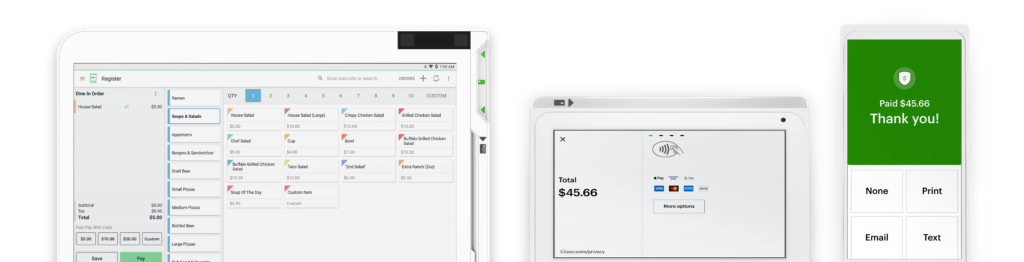
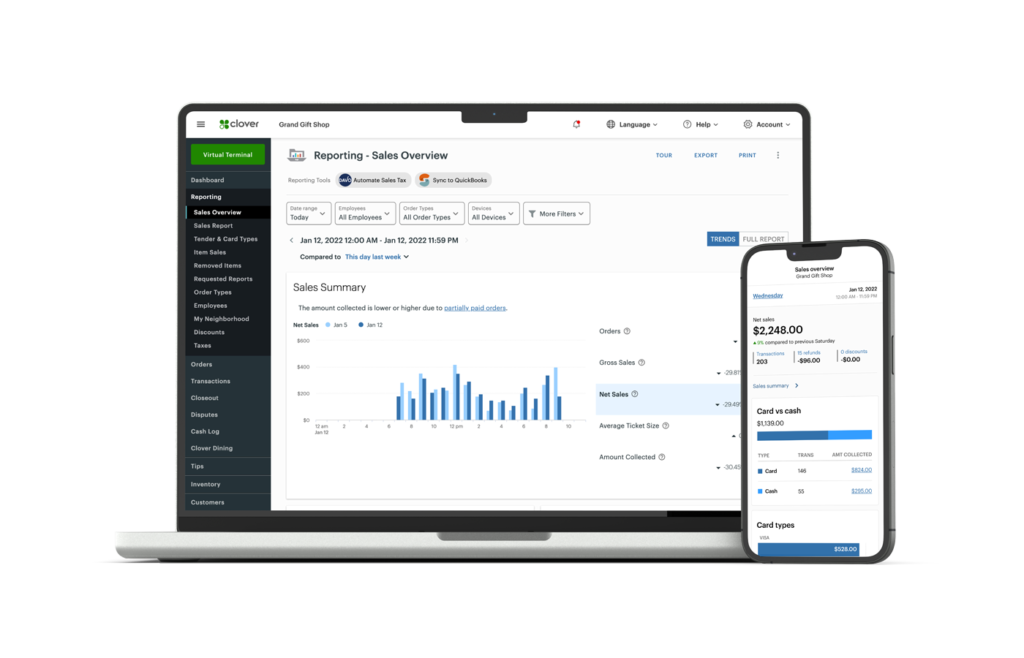
Power your business with a complete point-of-sale system that’s easy to work with and extend. Do it all, from payments to operations and management.

The right tools for the job

One station to run your shop

Run your business from anywhere

Clover helps you grow

Product details

Peace of mind with your system

Free overnight shipping*

Once you’re approved, your system will arrive in one business day. *Online orders only.

Quick and easy set up

Set up your business and start taking payments all in the same day with the Clover Dashboard.

Consistent rates

All cards, including AMEX and rewards cards, feature the same low rates.

Help when you need it

Ready to assist you with everything from setting up to troubleshooting.

Our Faq

Frequently Asked Questions

Clover offers best-in-class support options to fit your needs. New merchants can schedule a concierge-style phone call with a product specialist to guide you through device setup and enable features for your type of business. All Clover merchants have access to 24/7 support by phone +1 406-296-3240.

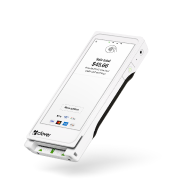
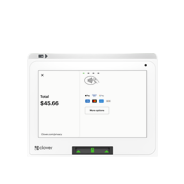
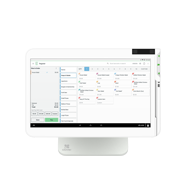
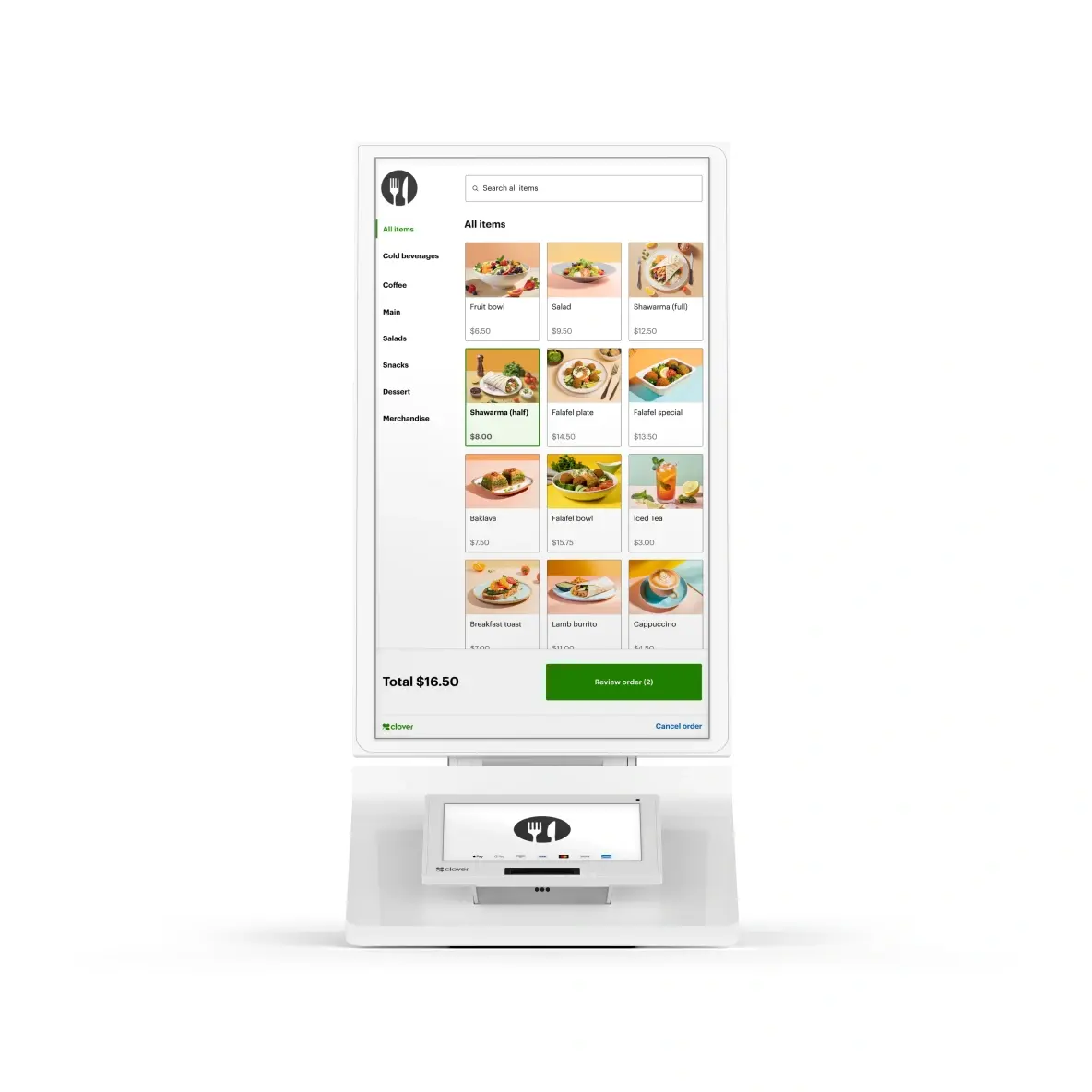
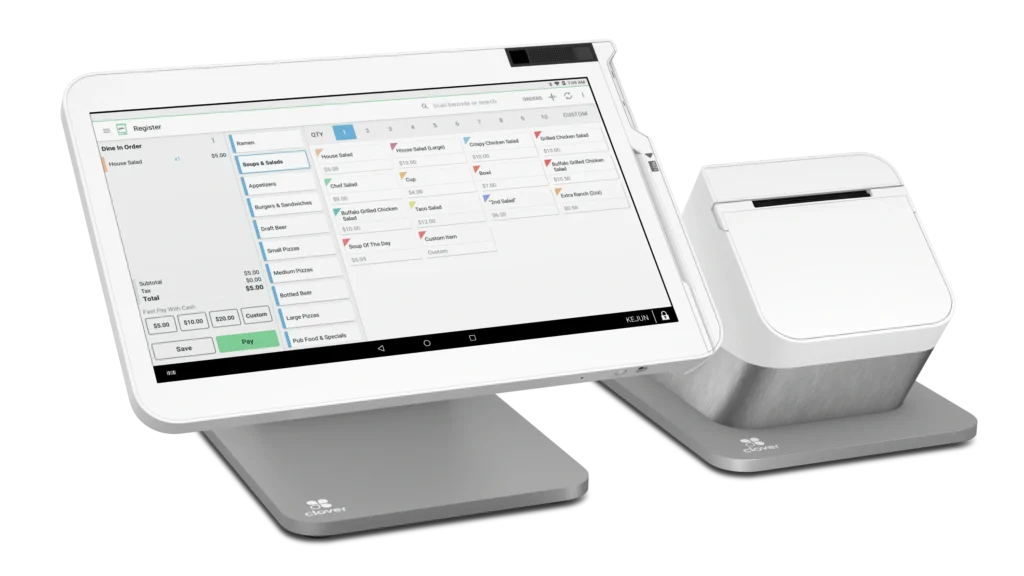
For either offering, you get the same great device – Station Solo. Station Solo for full-service restaurants comes with a service plan that includes features specific to running a full-service restaurant.

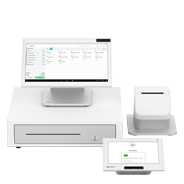
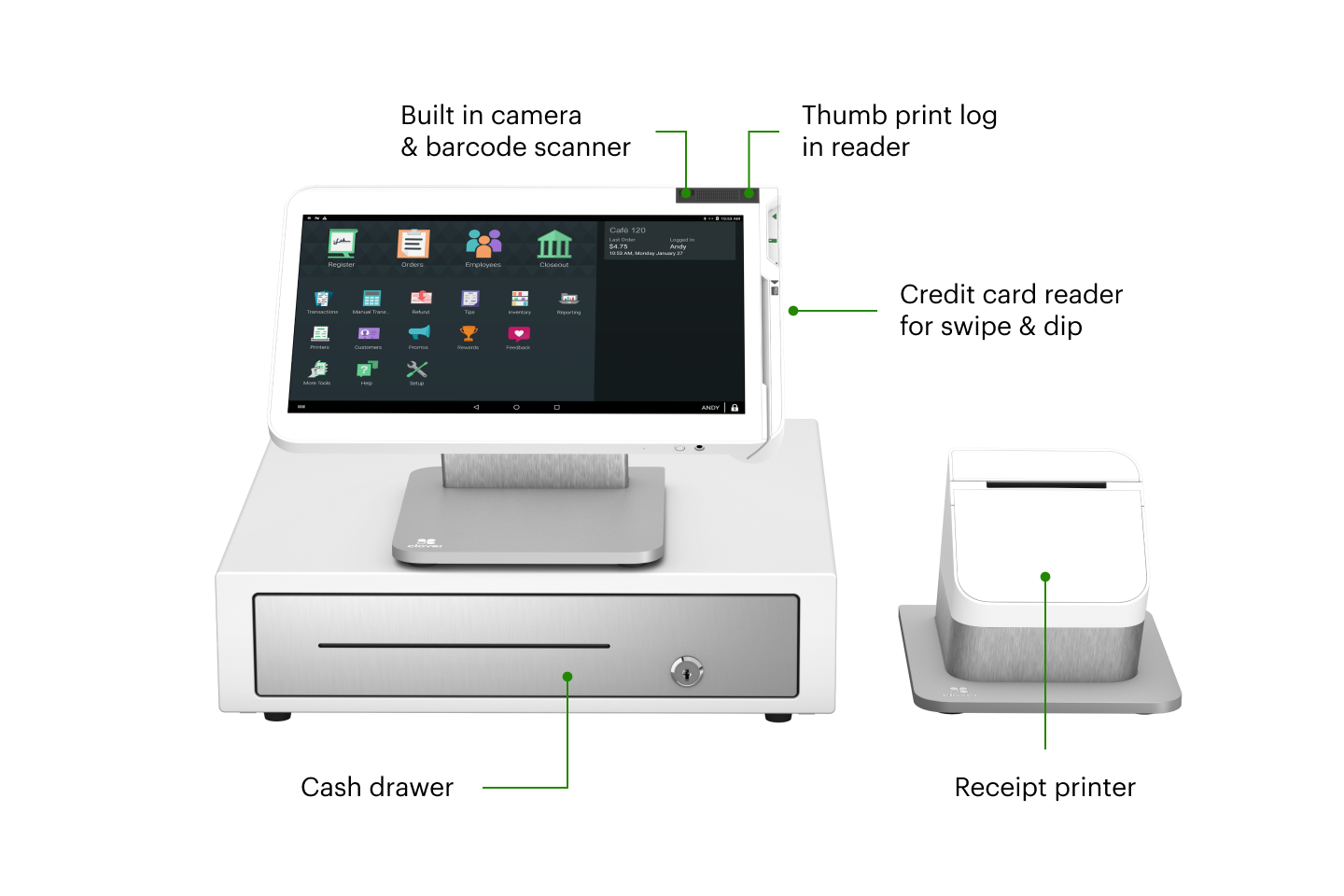
Station Solo models come with a matching cash drawer that has 5 bill slots and 5 coin slots. When connected to the Station Solo with the provided interface cable, the drawer automatically opens when you perform a cash transaction. Each Station Solo also comes with a receipt printer to position next to the display.

Need Help?

Need a hand? we’ve got you

New to Swipetrex ?

Our Swipetrex team is happy to help you with all things insurance.

Any Questions?

Mon-Fri.9-5pm

Call Now

Prefer Writing?

Send an email

Email us

Need Advice?

Talk to an expert

Contact us

Already a customer?

Make a claim, manage your insurance or ask a question.

Contact Now

Want to purchase a device with swipetrex?

It’s never been easier. Set up your Clover POS system with the right mix of devices and apps for your business. Add more devices or apps when you’re ready.