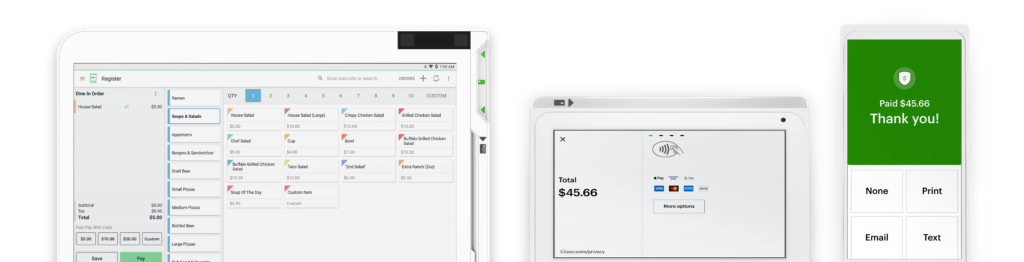




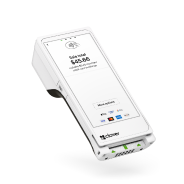
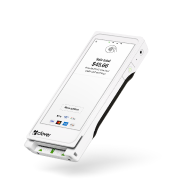
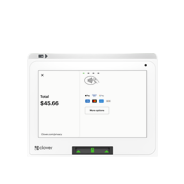
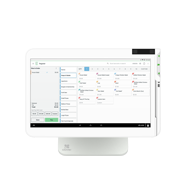
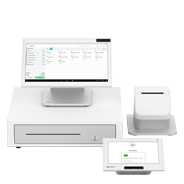
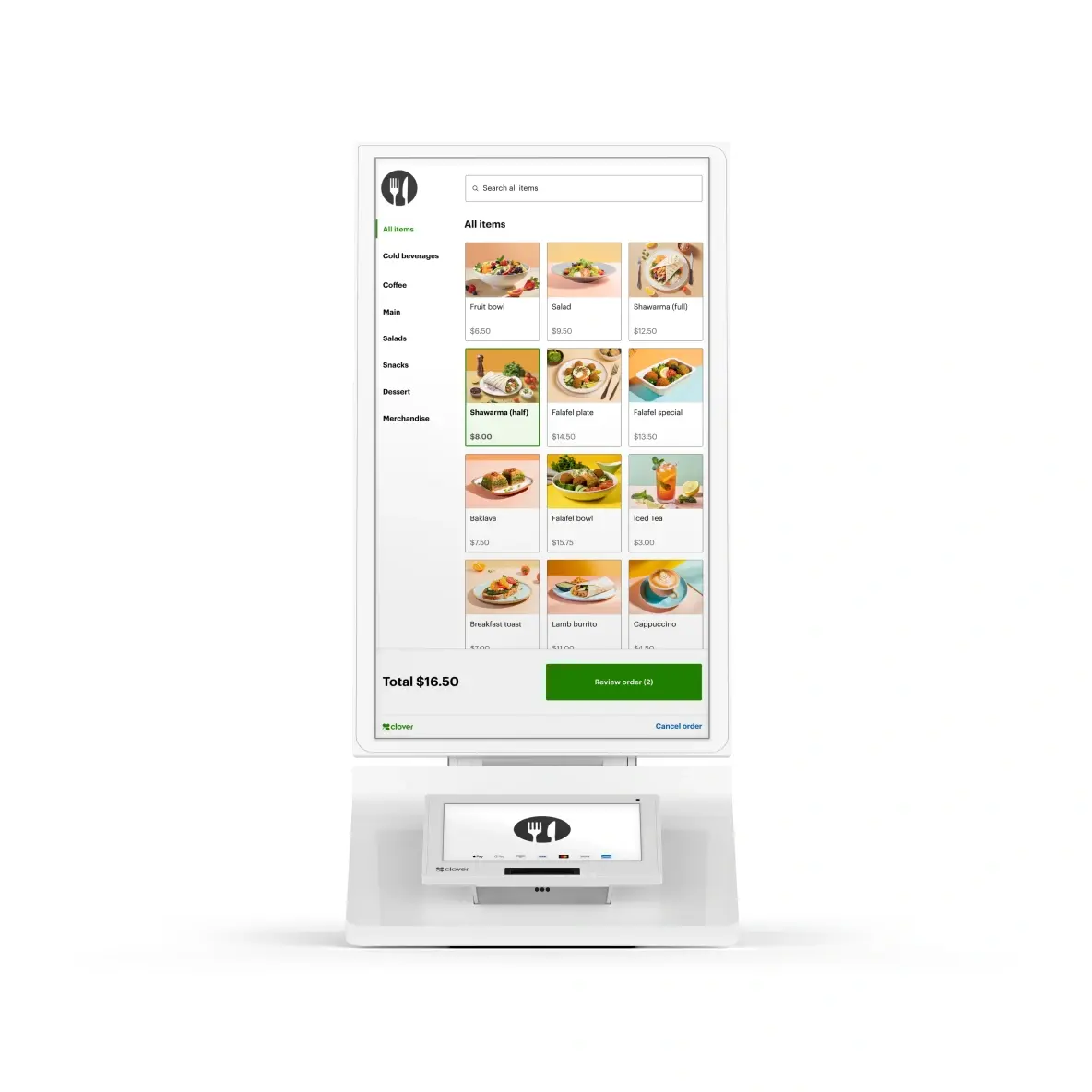
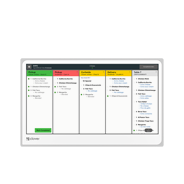
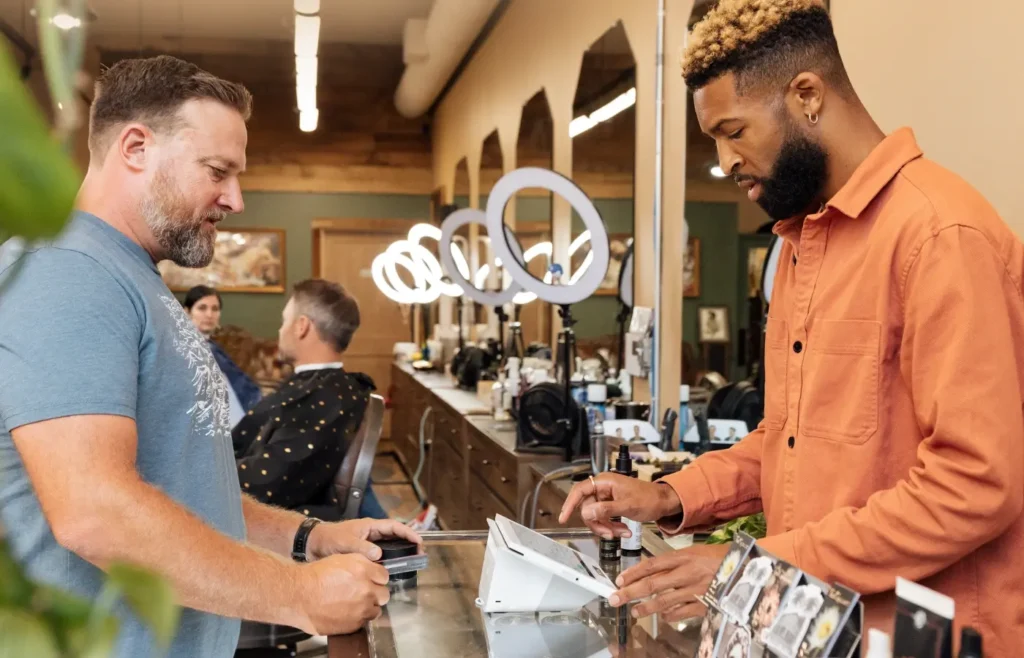
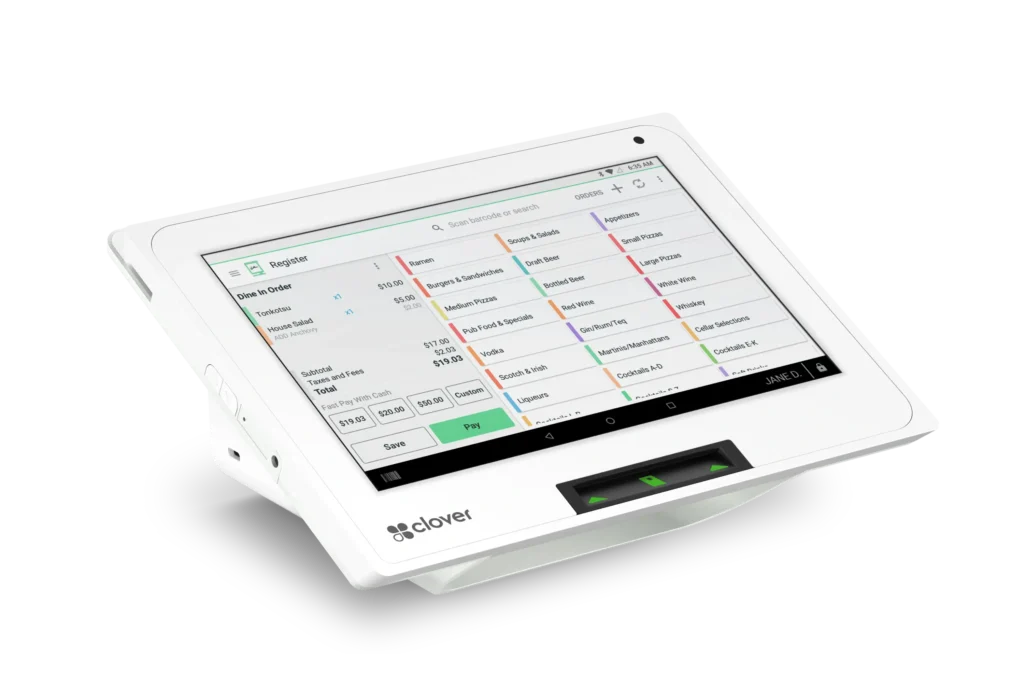
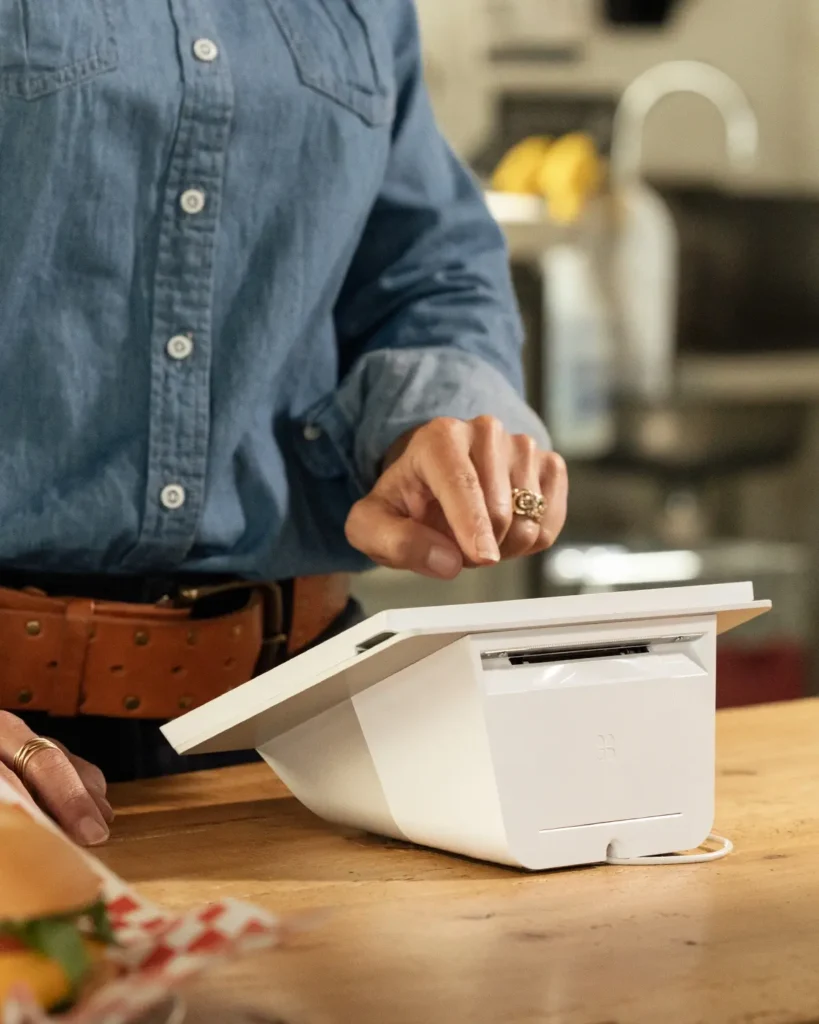
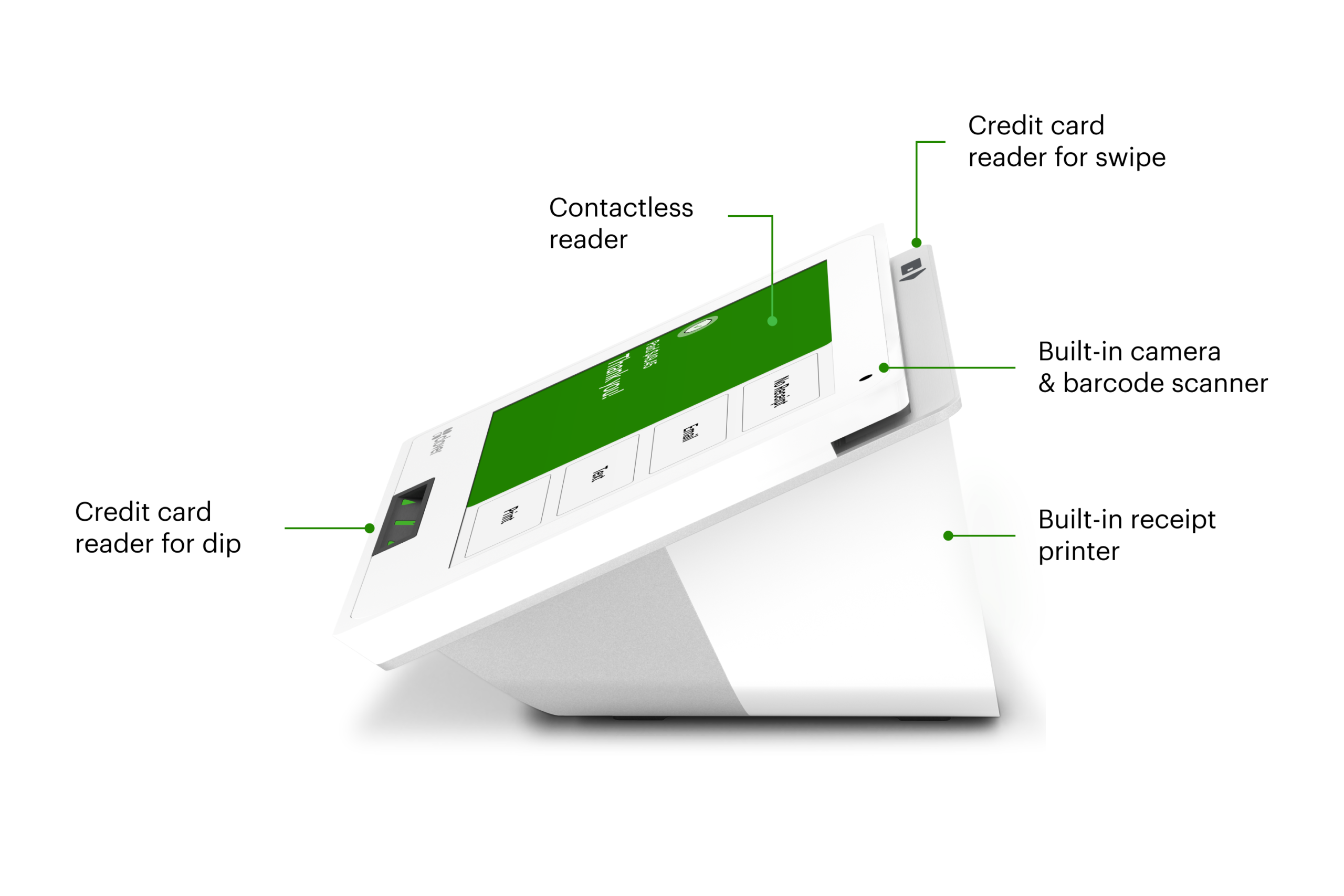
Run your business with the sleek and powerful Mini, a POS that fits in any space. Everything you need is right on the device.
Once you’re approved, your system will arrive in one business day. *Online orders only.
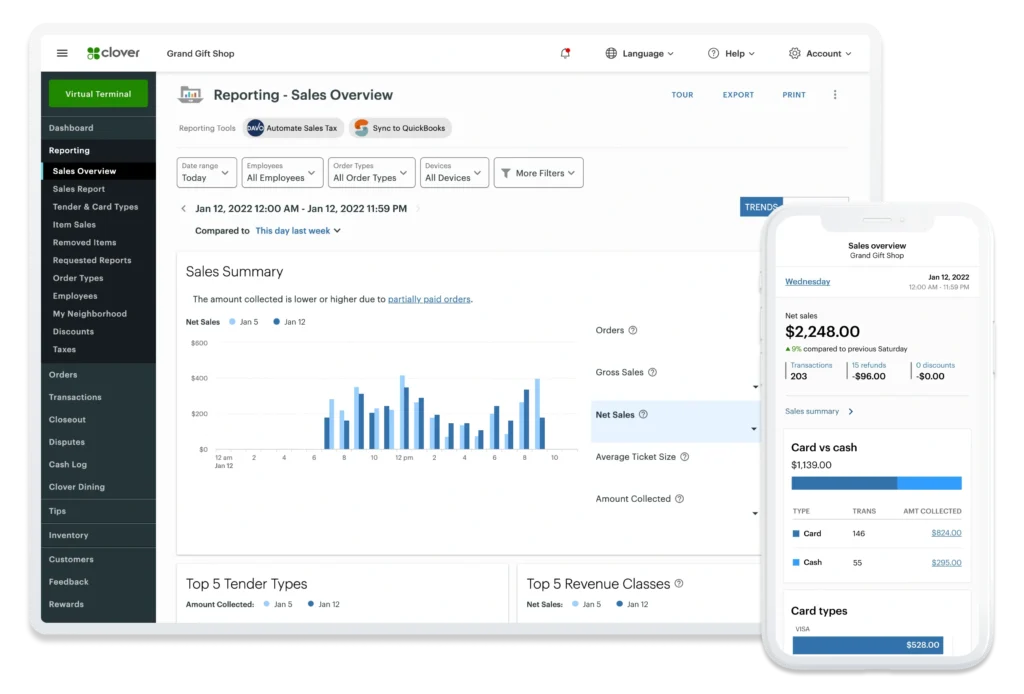
Set up your business and start taking payments all in the same day with the Clover Dashboard.
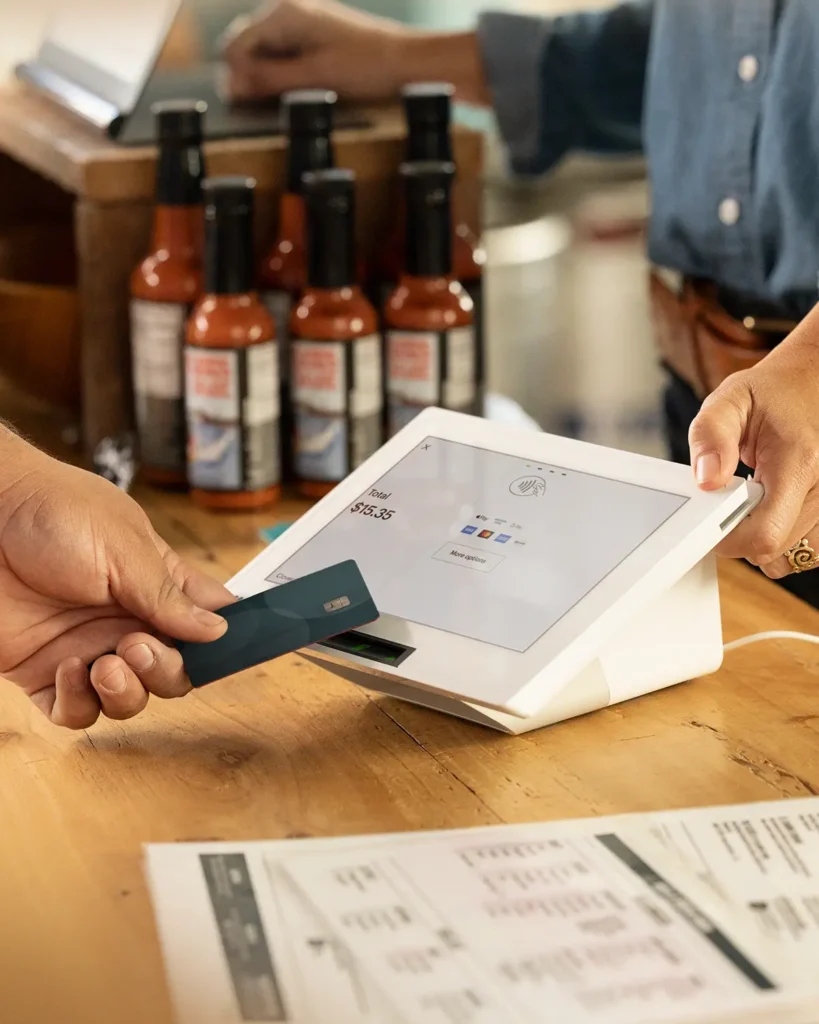
All cards, including AMEX and rewards cards, feature the same low rates.
Ready to assist you with everything from setting up to troubleshooting.

Our agents are available to assist you when you’re unable to resolve issues on your own. There are a few ways to reach live support: From a browser, log in to your Clover account and select Help from the top menu to access a range of support options. On a Clover device, tap Help on the home screen. In the Clover Go mobile app, open the menu and tap Help. Find your direct support phone number on your statement or call our general support line at: +1 406-296-3240 For your security, we’ll ask for your Merchant ID (MID) or Tax Identification Number (TIN), so please have that information handy.
Yes, Clover Mini can be connected to a cash drawer. You can purchase a cash drawer online with a new Swipetrex Mini, or through our sales team if you already have a Clover device.
In addition to its built-in receipt printer, the Clover Mini can be connected to a variety of external printers. With the purchase of a new Clover POS system, you can purchase printers online on our accessories page. If you already have a Clover POS, you can purchase a printer from our sales team. Clover POS system is compatible with: Thermal Label Printers: Epson TM-L90 Thermal Receipt Printers: Star TSP143IIIU, Epson TM-20*, Epson TM-30* Impact Receipt/Kitchen Printers: Star SP742ML, Epson TM-U220B* * Not sold on clover.com or by Clover.
Our Swipetrex team is happy to help you with all things insurance.
It’s never been easier. Set up your Clover POS system with the right mix of devices and apps for your business. Add more devices or apps when you’re ready.