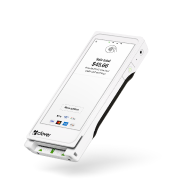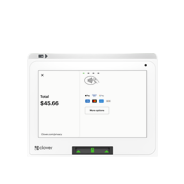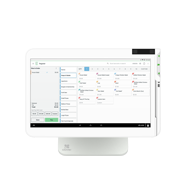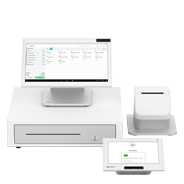

Clover Kitchen Display System

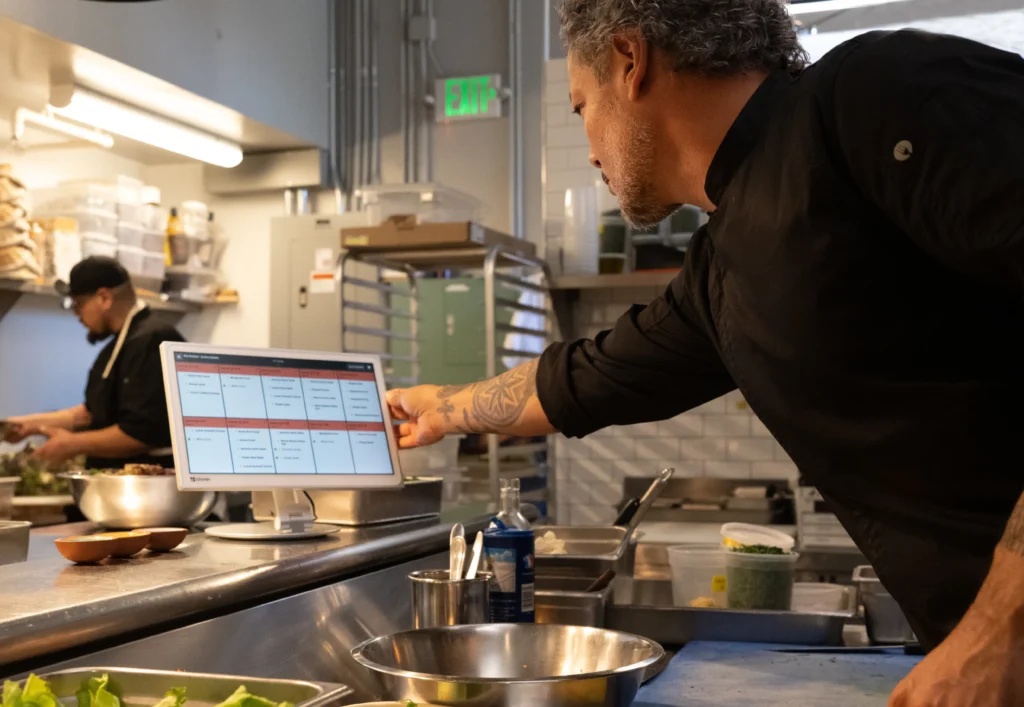
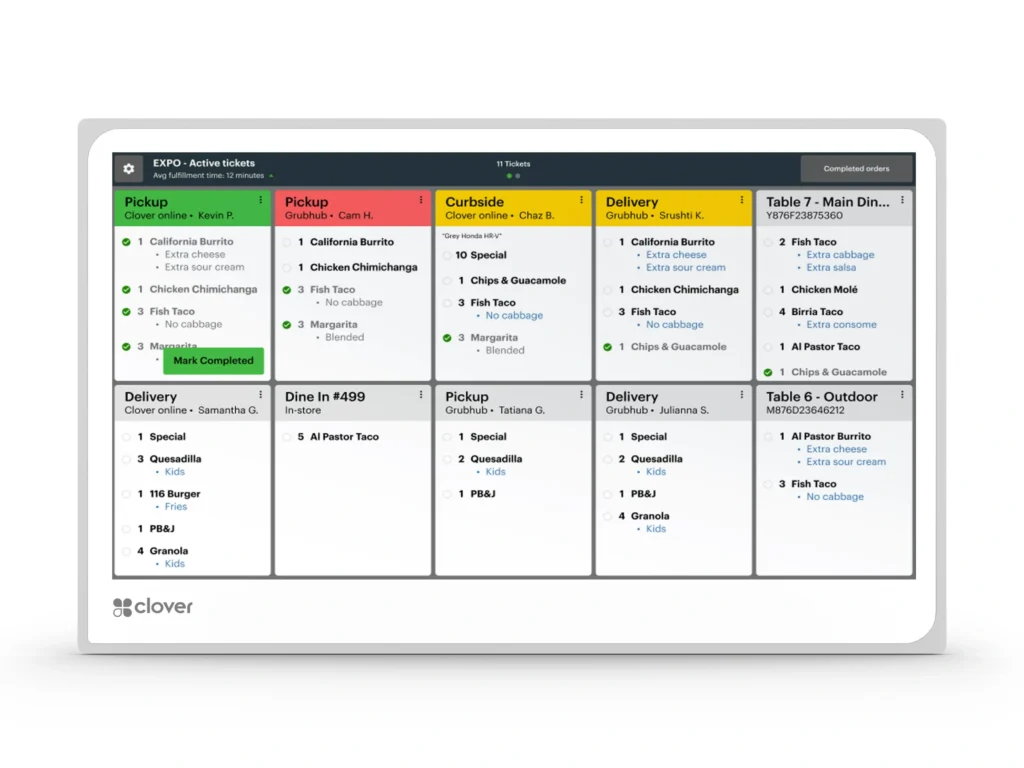
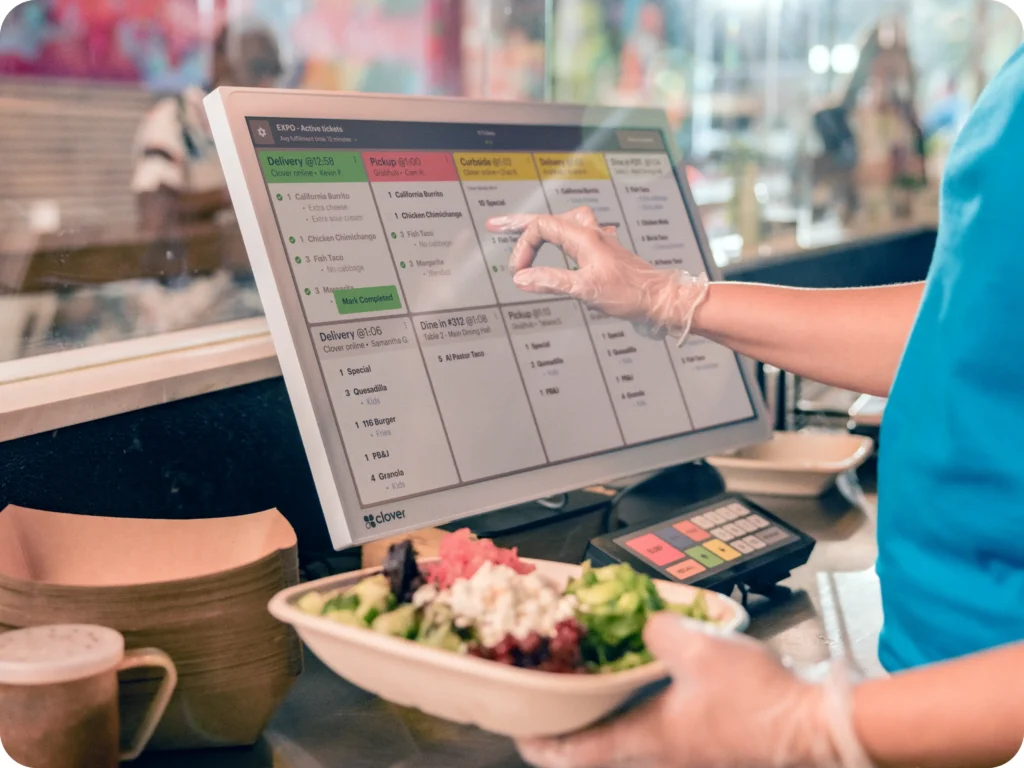
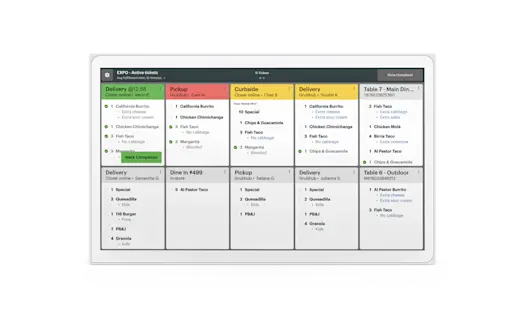
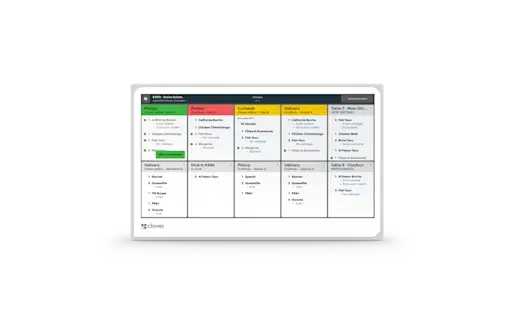
One screen. One source of truth. No pens, no printers, no lost tickets. Just a real-time look at ticket times, order statuses, and everything else that keeps service moving smoothly.

Make orders make sense

Keep operations running smoothly

Built for restaurants –and restaurants only

Right‑sized for your fast‑paced kitchen

Peace of mind with your system

Multi‑level fulfillment

Expo mode

Item level routing

Prep time reporting

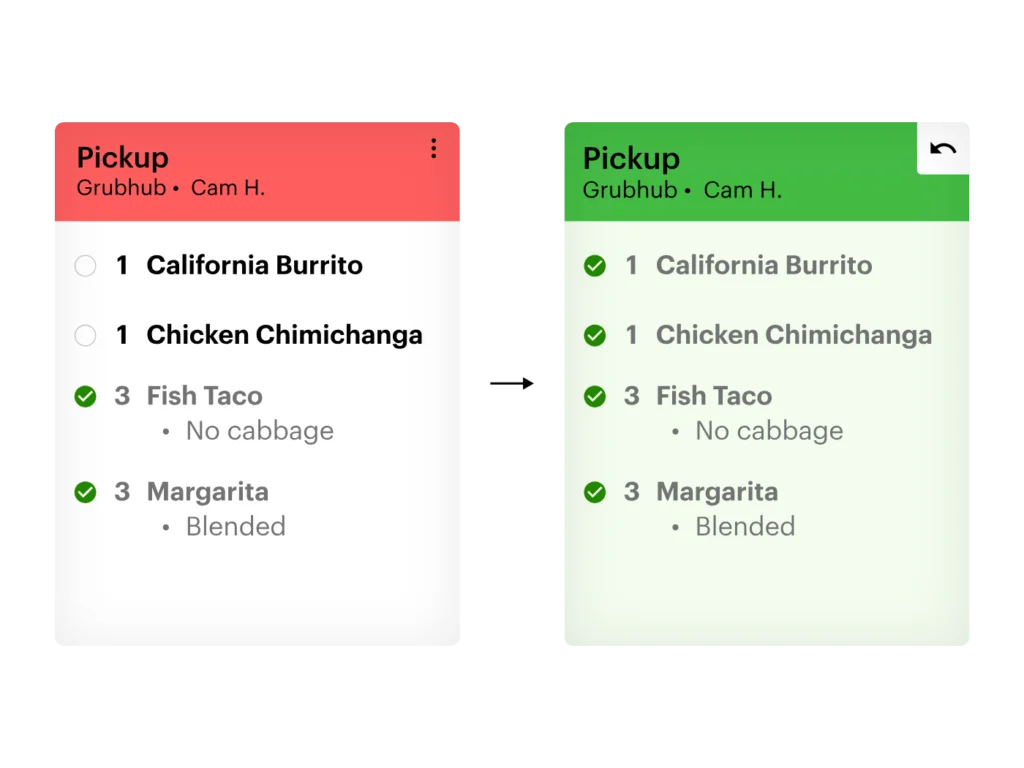
Color‑coded order status

Runner ticket printing

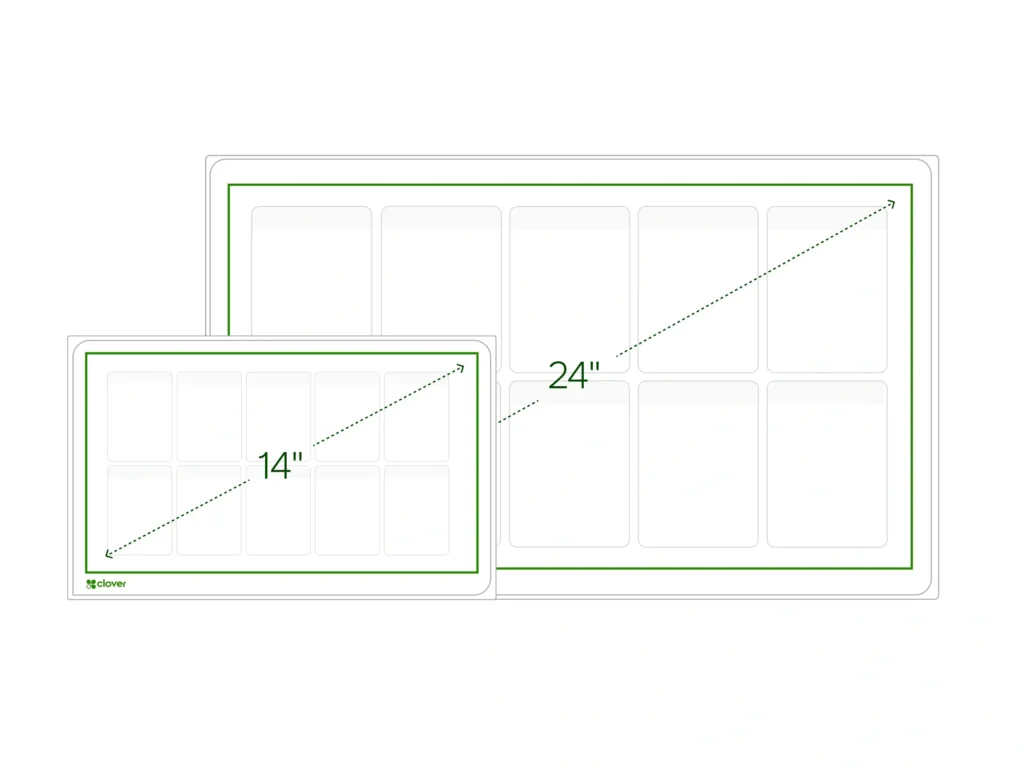
Two options made for your kitchen

KDS 24 inch

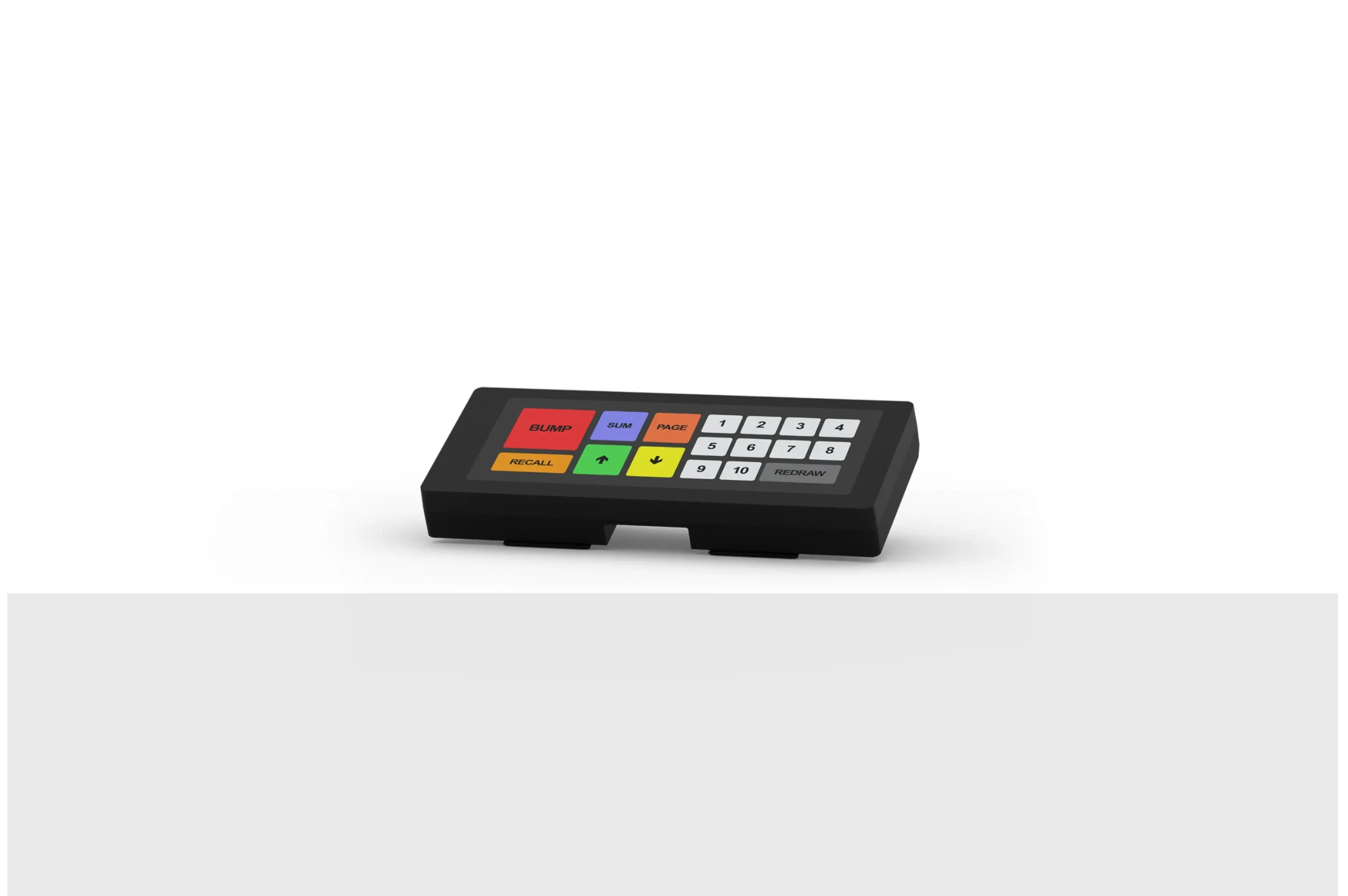
Optimal for overhead installation and use with an optional bump bar, the large 24" screen helps keep busy kitchens organized and on task.

KDS 14 inch

This compact option excels when space is at a premium. Flexible enough to place on a counter top or wall mount with optional accessories. Also supports bump bar accessory.

Bump bar accessory

Our Faq

Frequently Asked Questions

The Clover Kitchen Display System is an employee-facing device that displays order management software connecting the front-of-house and online ordering platforms to the kitchen staff. The Clover KDS is used where food and beverage orders are prepared in place of paper tickets.

The Clover KDS has two price options:

24 inch: $899 and has a monthly KDS software plan fee of $25 per device

14 inch: $799 and has a monthly KDS software plan fee of $25 per device

Merchants must be on a Register, Table Service Restaurant, or Counter Service Restaurant plan to purchase and use the Clover Kitchen Display System. The KDS is an additional device to other devices sold with the CSR/TSR bundles.

Need Help?

Need a hand? we’ve got you

New to Swipetrex?

Our Swipetrex team is happy to help you with all things insurance.

Any Questions?

Mon-Fri.9-5pm

Call Now

Prefer Writing?

Send an email

Email us

Need Advice?

Talk to an expert

Contact us

Already a customer?

Make a claim, manage your insurance or ask a question.

Contact Now

Want to purchase a device with swipetrex?

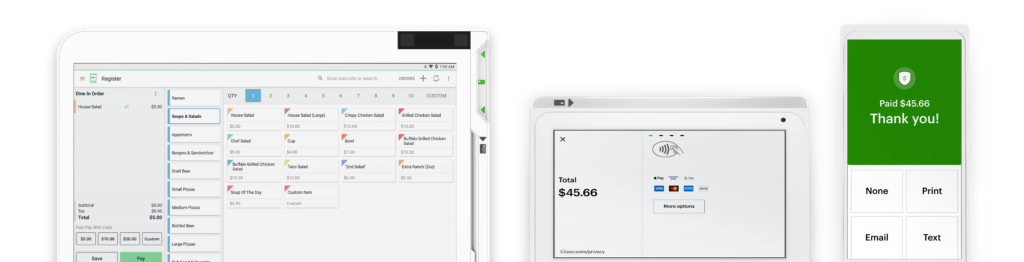
It’s never been easier. Set up your Clover POS system with the right mix of devices and apps for your business. Add more devices or apps when you’re ready.