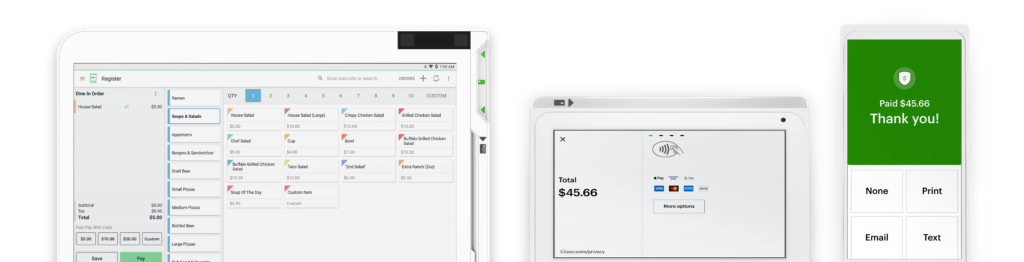





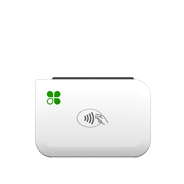
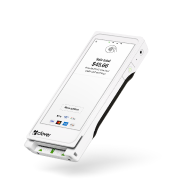
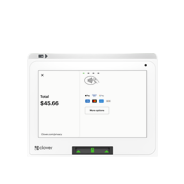
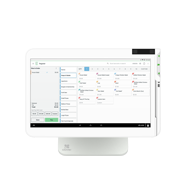
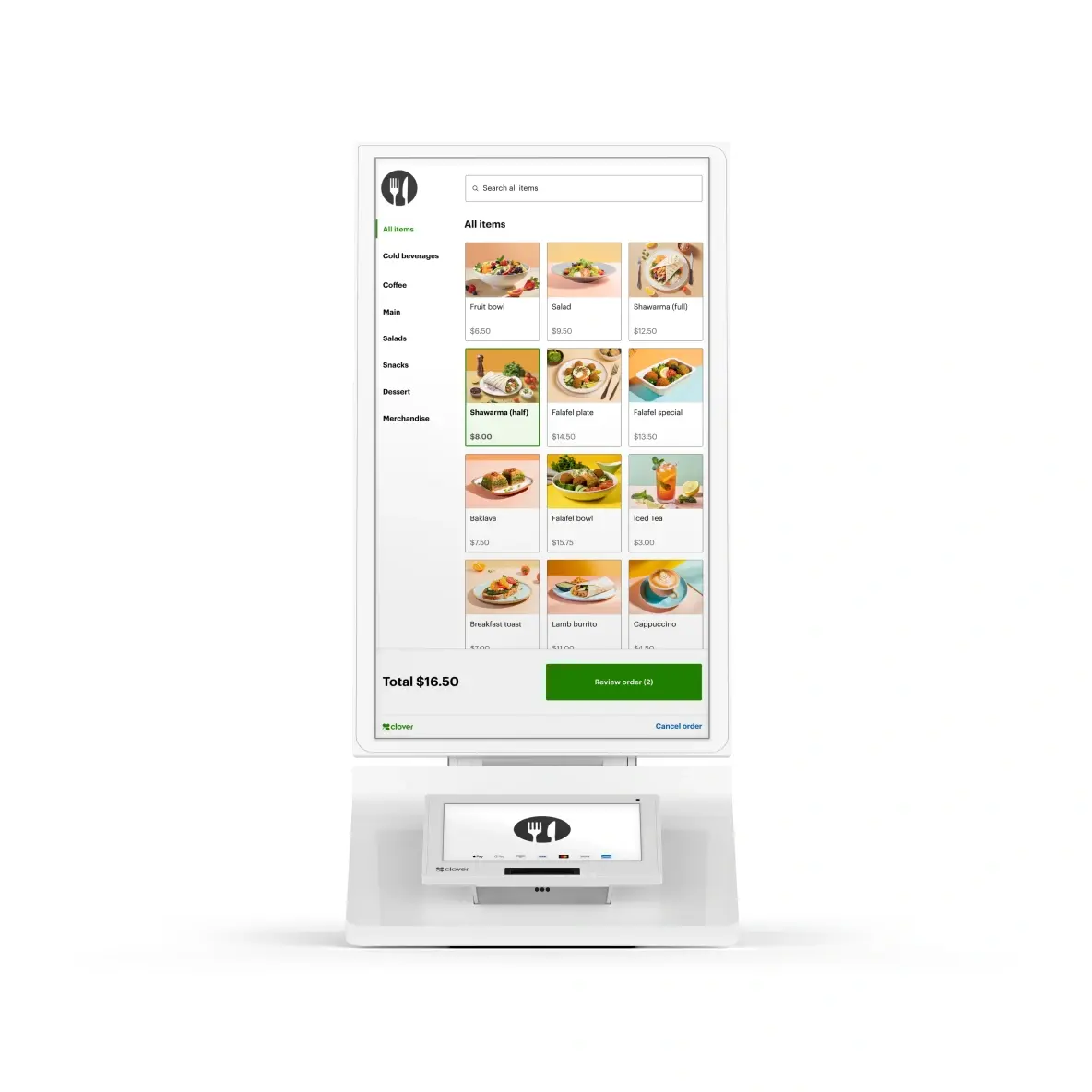
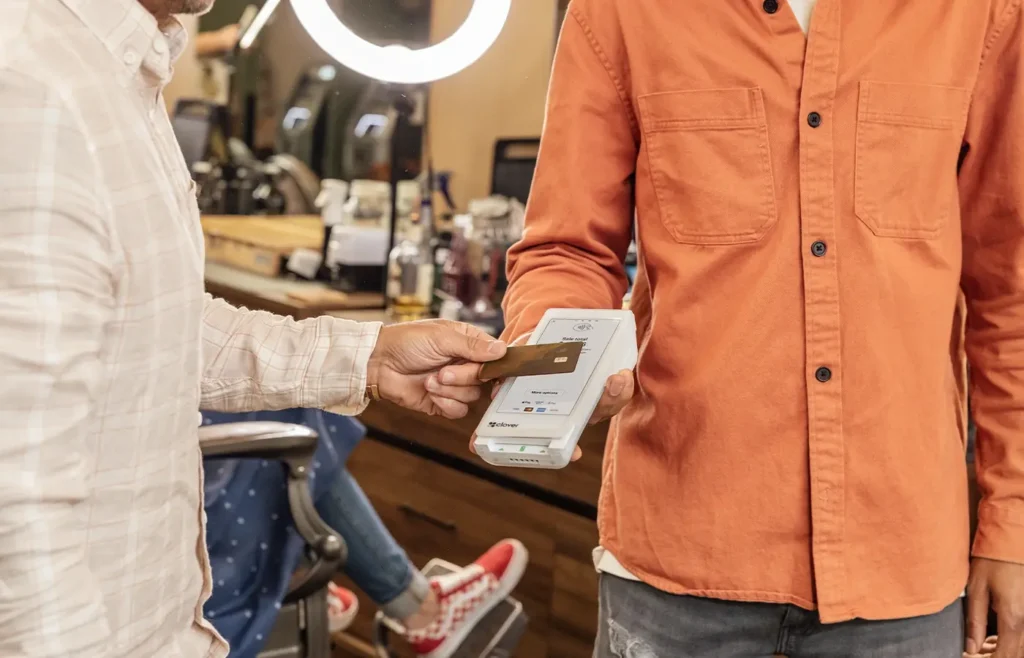
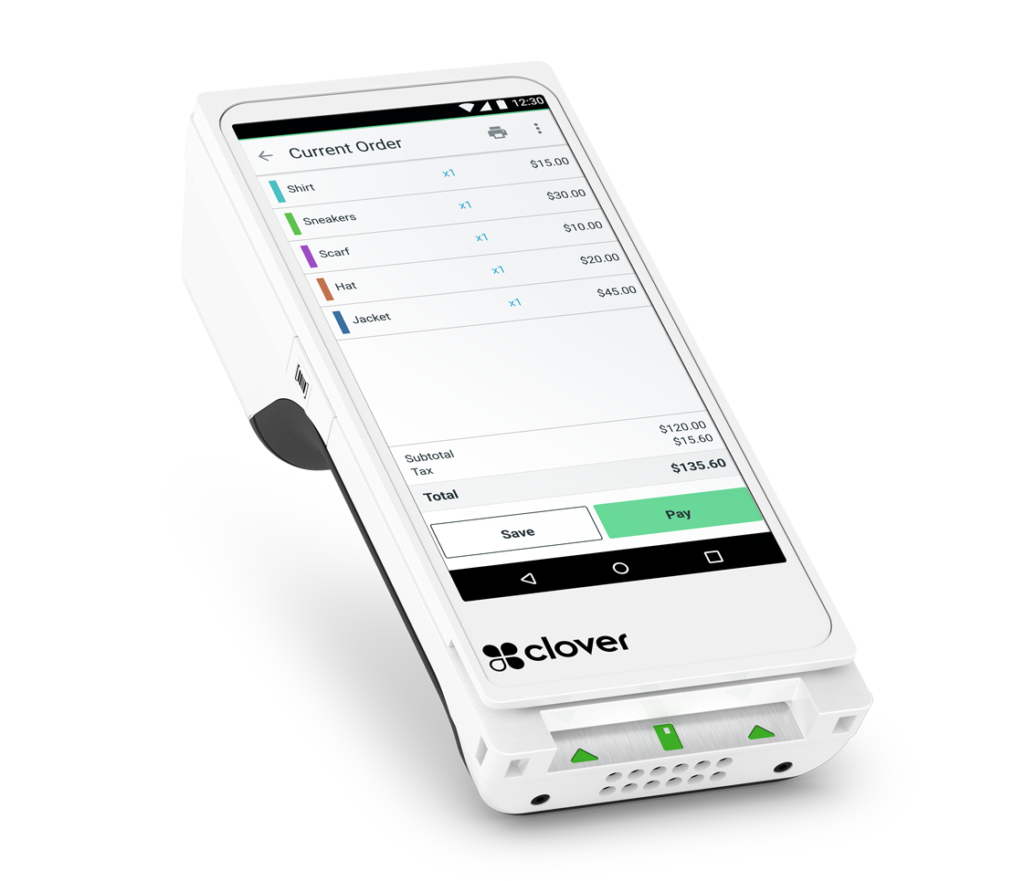
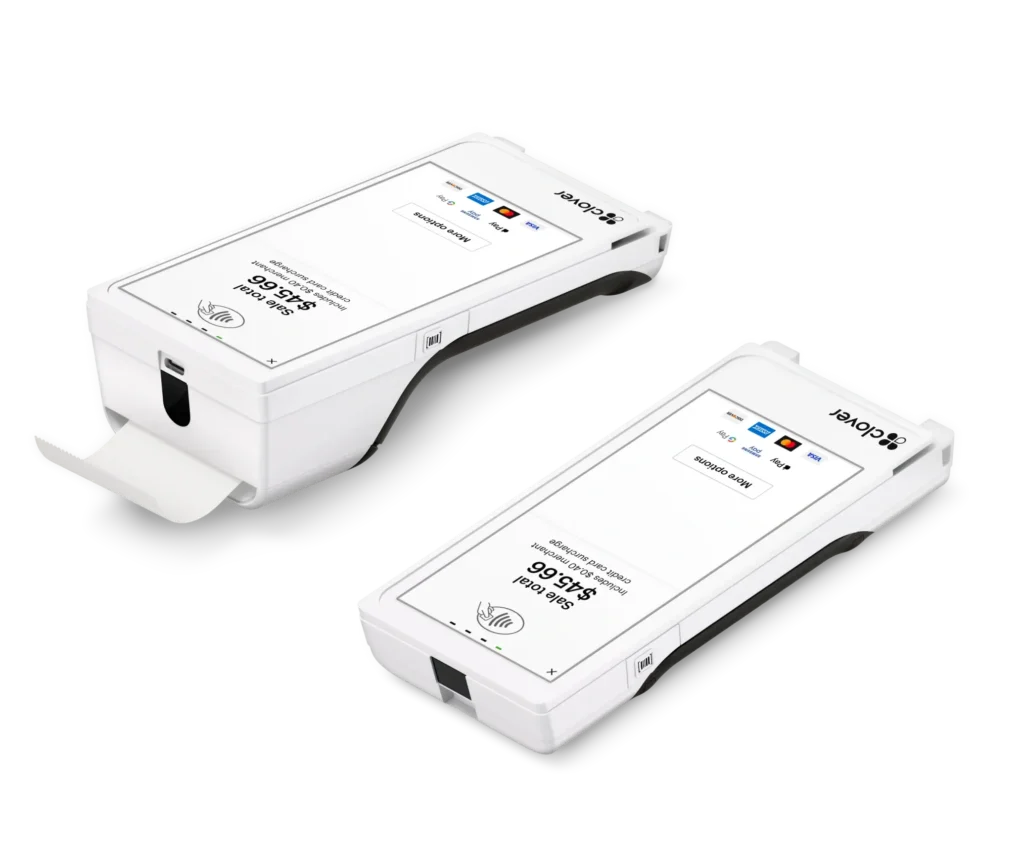


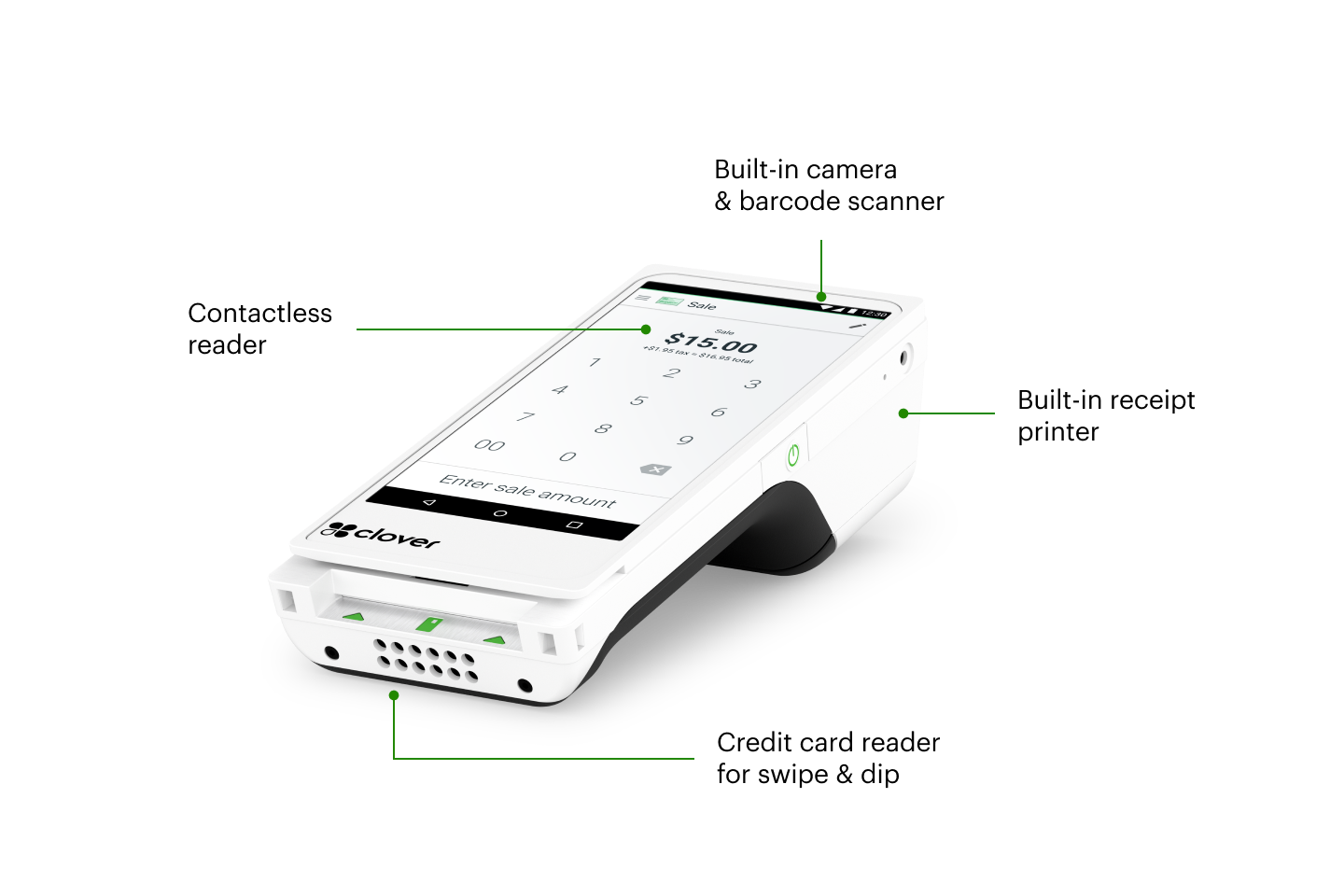
Power in the palm of your hand– at the counter, at the table, or on the go. This portable device is packed with all the features of a full POS system.
Both the Flex and the Flex Pocket move with you. Both accept contactless payments, fire orders tableside, help line bust, pair with other Clover devices and accessories, and manage day-to-day operations. The difference between the two: Flex Pocket offers digital-only receipts, Flex has a built-in receipt printer.
Once you’re approved, your system will arrive in one business day. *Online orders only.
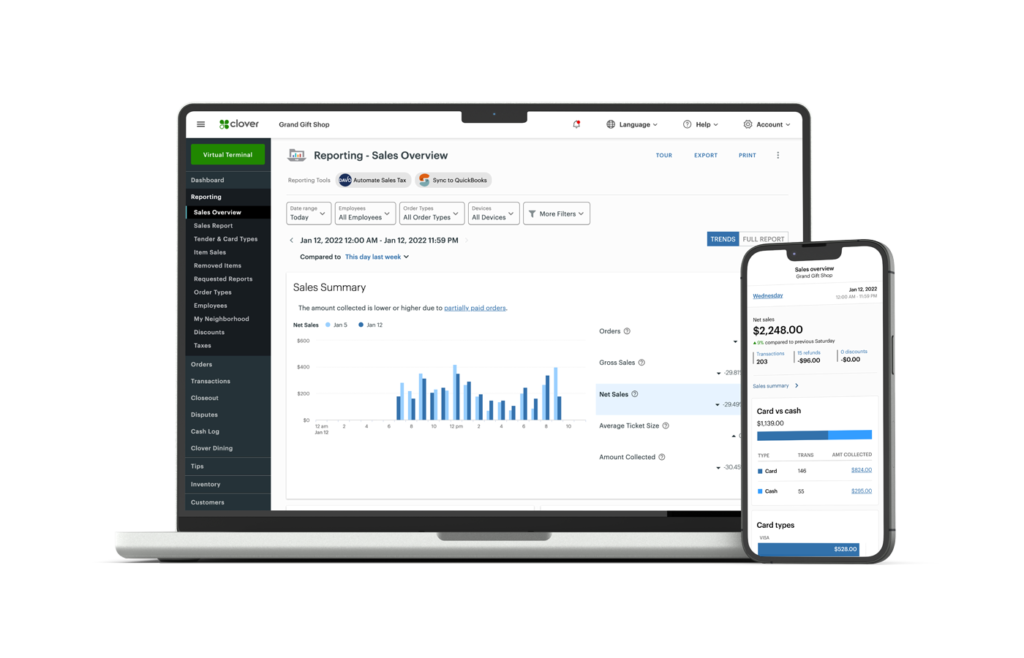
Set up your business and start taking payments all in the same day with the Clover Dashboard.
All cards, including AMEX and rewards cards, feature the same low rates.
Ready to assist you with everything from setting up to troubleshooting.

Clover commitment to customer support helps to ensure you have the resources and assistance you need to make the most of your POS system 24/7/365. Our agents can assist you when you’re unable to resolve issues on your own. Here are a few ways you can reach live support: From a browser: Log in to your Clover account and select Help from the top menu to access a range of support options. On a Clover device: Tap Help on the home screen. In the Clover Go mobile app: Open the menu and tap Help. Phone support: Find your direct support phone number on your statement or call our general support line at +1 406-296-3240. Clover also provides a comprehensive list of FAQs and video tutorials to help you troubleshoot and find solutions independently.
With the base Clover Flex price, you'll receive the handheld device accompanied by its protective silicone sleeve. Additionally, the package includes a comprehensive Flex starter kit featuring a quick start guide, charging cradle, optional PIN entry aid, power brick, power cord, and one roll of receipt paper. This bundle provides you with everything you need to get started seamlessly and efficiently with your new Clover Flex handheld POS.
Yes. The Clover Flex seamlessly syncs with other Clover POS devices when configured as part of one system to help ensure all transaction information is shared across devices in real-time. Whether you accept a payment on the Clover Flex handheld POS system or on another POS device at the counter, the data is immediately updated across the entire Clover system, providing a unified and efficient point-of-sale experience.
Our Swipetrex team is happy to help you with all things insurance.
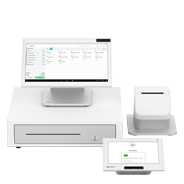
It’s never been easier. Set up your Clover POS system with the right mix of devices and apps for your business. Add more devices or apps when you’re ready.